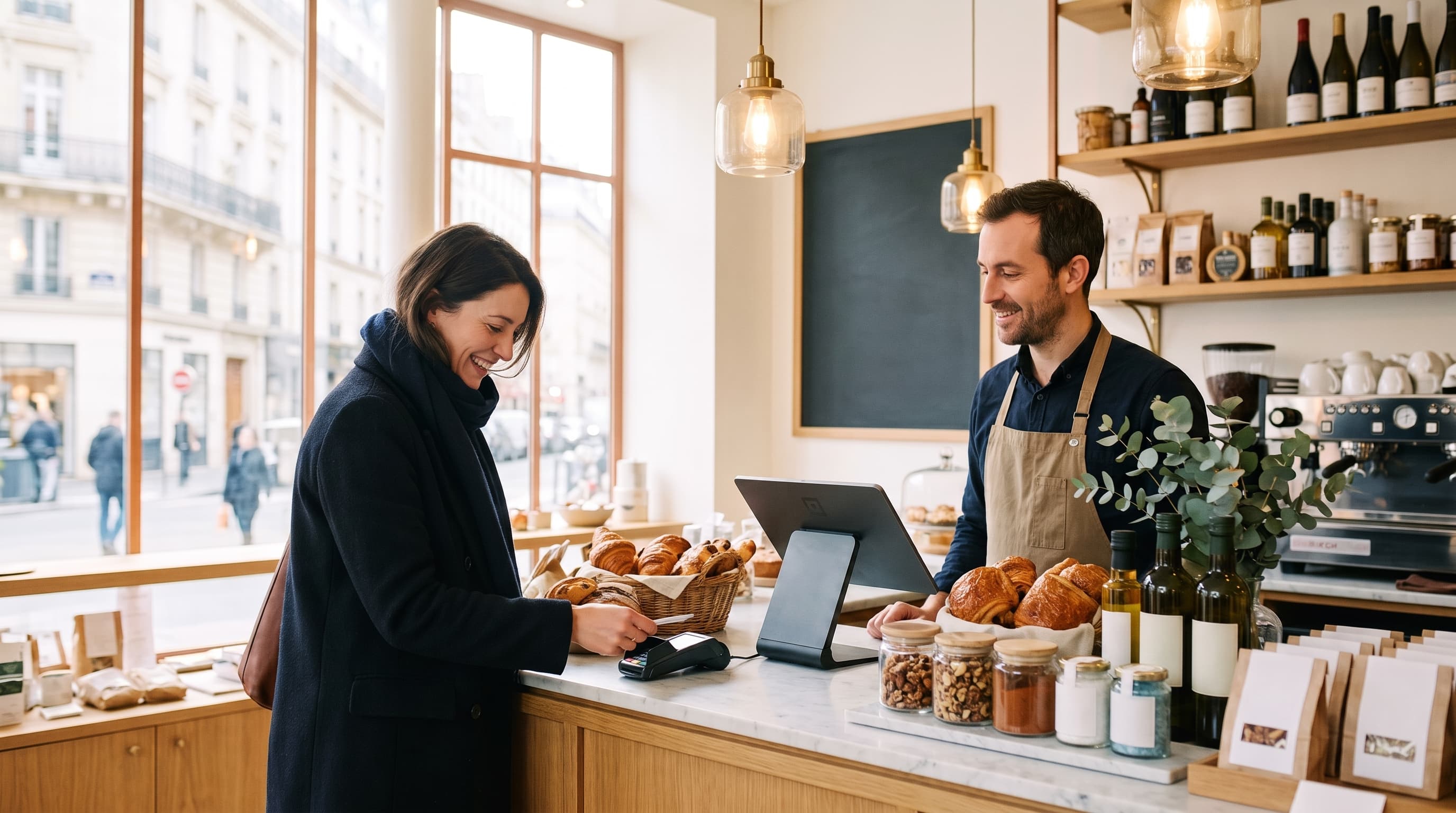
Built to run every single day
The till that survives the rush and keeps your books straight
No internet, your whole team on it, and a clean receipt on every sale. Your data is yours to export whenever you want.
What matters when it is your money
Three things we never get wrong
Your books stay straight, without the effort
Every sale is logged properly. The end-of-day Z report and a clean receipt are generated for you, ready for your accountant or a tax check.
- End-of-day Z report
- Clean receipt every time
- Records you cannot tamper with
Power goes, network drops, you keep selling
Load-shedding on a Saturday night, weak signal, dead router: the till still takes the money. Everything syncs the second the network is back, not one sale lost.
- Sell fully offline
- Auto-sync when you are back
- Not one sale lost
You know who did what
Every staff member has their own PIN and their own rights. Voids, discounts, refunds: all tracked, named, timestamped. No more hole in the till with no explanation.
- A PIN per staff member
- Roles and permissions
- Full audit log
And everything else you need to run the day
Latest updates
See all updatesTry each premium option free for 30 days
Stock, dual currency, notifications, reservations, QR ordering… every advanced option is now easy to spot, with a small lock. When you want one, you choose: try it free for 30 days with no card, or turn it on right away. Try before you pay, exactly when you need it.
Items no longer vanish from an order
On a busy table, when two devices opened it at the same time offline, items could leave the order and come back later. Now fixed: what you add stays on the bill, every time.
Reuse the barcode of a deleted product
When you delete a product, its barcode is freed: you can reuse it on a new product. No more “this barcode already belongs to another product” message.
Sectors
One till for every kind of business
Barber, food truck, pharmacy or restaurant: the same software fits your trade. Pick yours and see how it looks.
On the ground, not in a studio
digabloPos for real, at the businesses that use it every day.
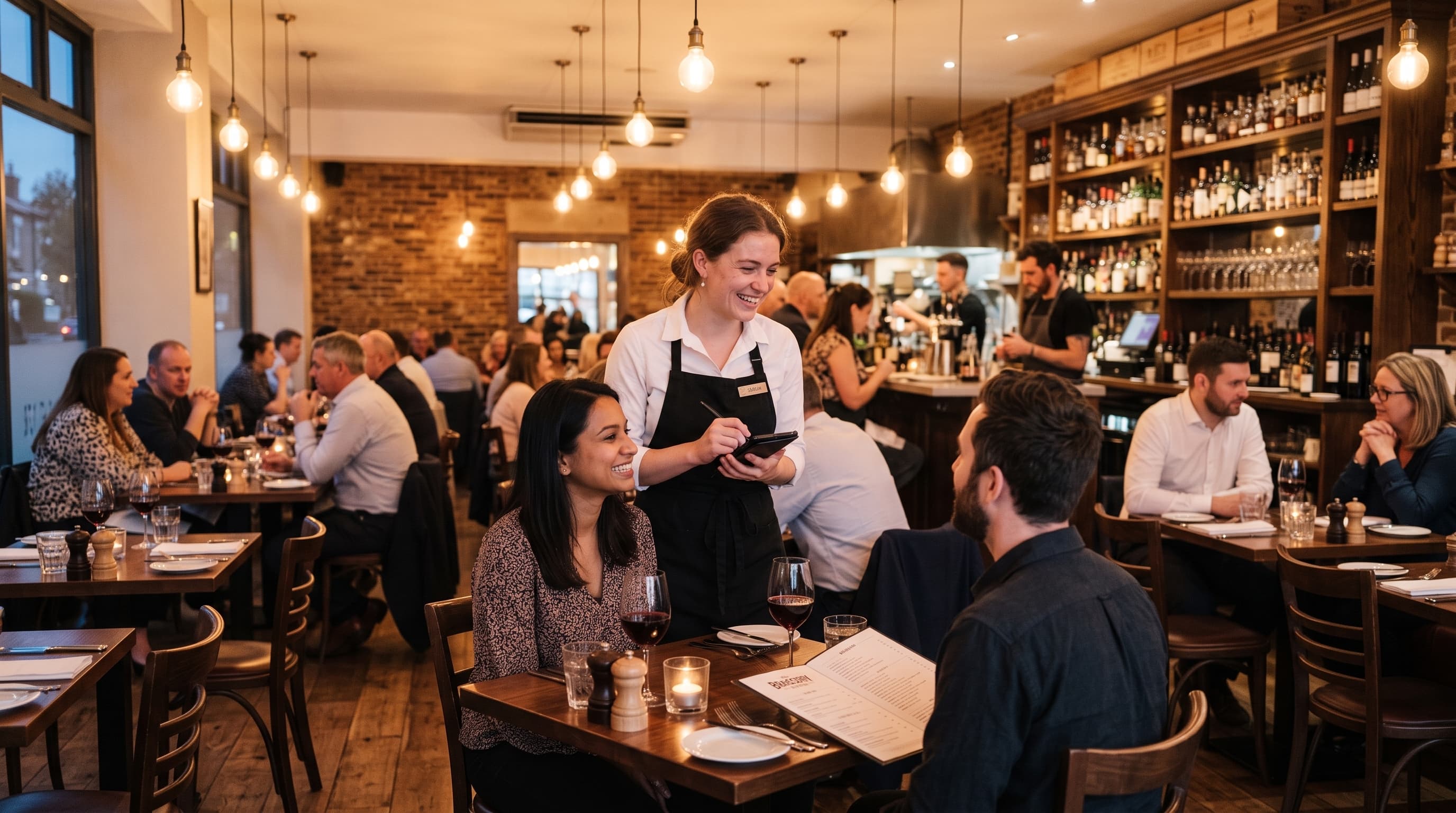
Testimonials
They chose digabloPos
Discover what our customers say about their daily experience.
“We replaced our old register with digabloPos and it's day and night. My servers love the touch interface, and I love seeing my sales in real-time from my phone.”
“Offline mode saved me several times! Even when the wifi goes down, we keep serving without stress. Sync happens automatically after.”
“The value for money is unbeatable. We started for free with 1 employee, then added the reports module as we grew. No surprises on the bill.”
“The SDS screen changed our organization. No more paper tickets getting lost, everything is clear and orders come out in order. Much smoother service!”
“I tested 3 POS software before digabloPos. It's the only one that let me customize permissions per employee. My apprentice doesn't have access to cancellations, that's reassuring.”
“The visual floor plan is great for our restaurant. You can see at a glance which tables are occupied, for how long, and how much they've consumed.”
FAQ
Frequently asked questions
Everything you need to know to get started
Have more questions? Contact us
Try it on your next service
Install digabloPos, run a real service and judge it for yourself. If something trips you up, we reply on WhatsApp.
